
Taskmaster

Taskmaster

Construction project management software: pay for results in points, tasks on drawings, payroll.
Taskmaster (PWS) – ehitusprojektide haldus

Project overview

Construction project management software: from hourly pay to pay for results

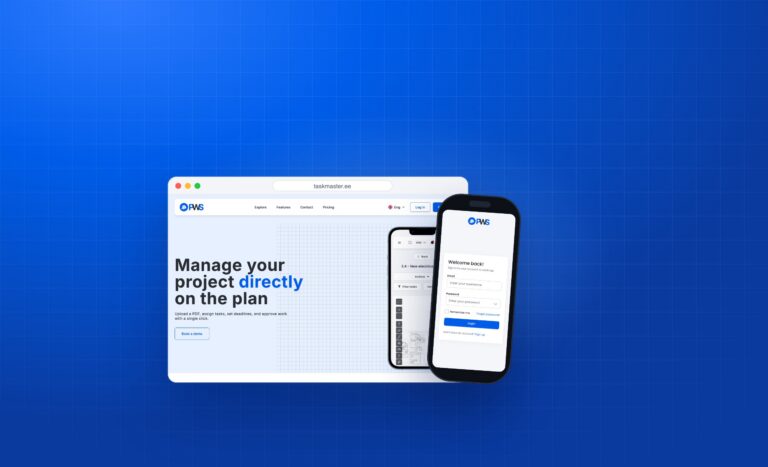
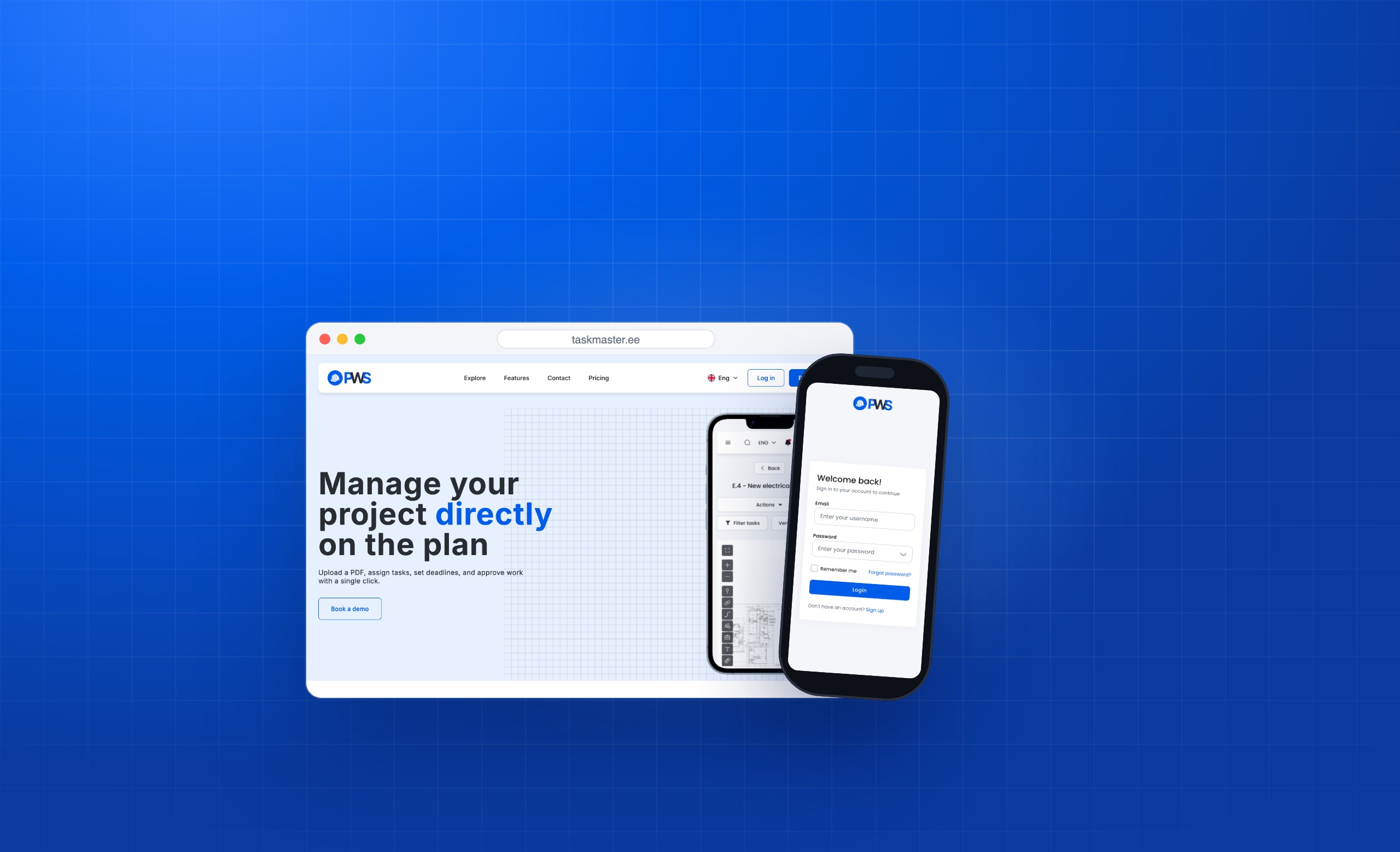
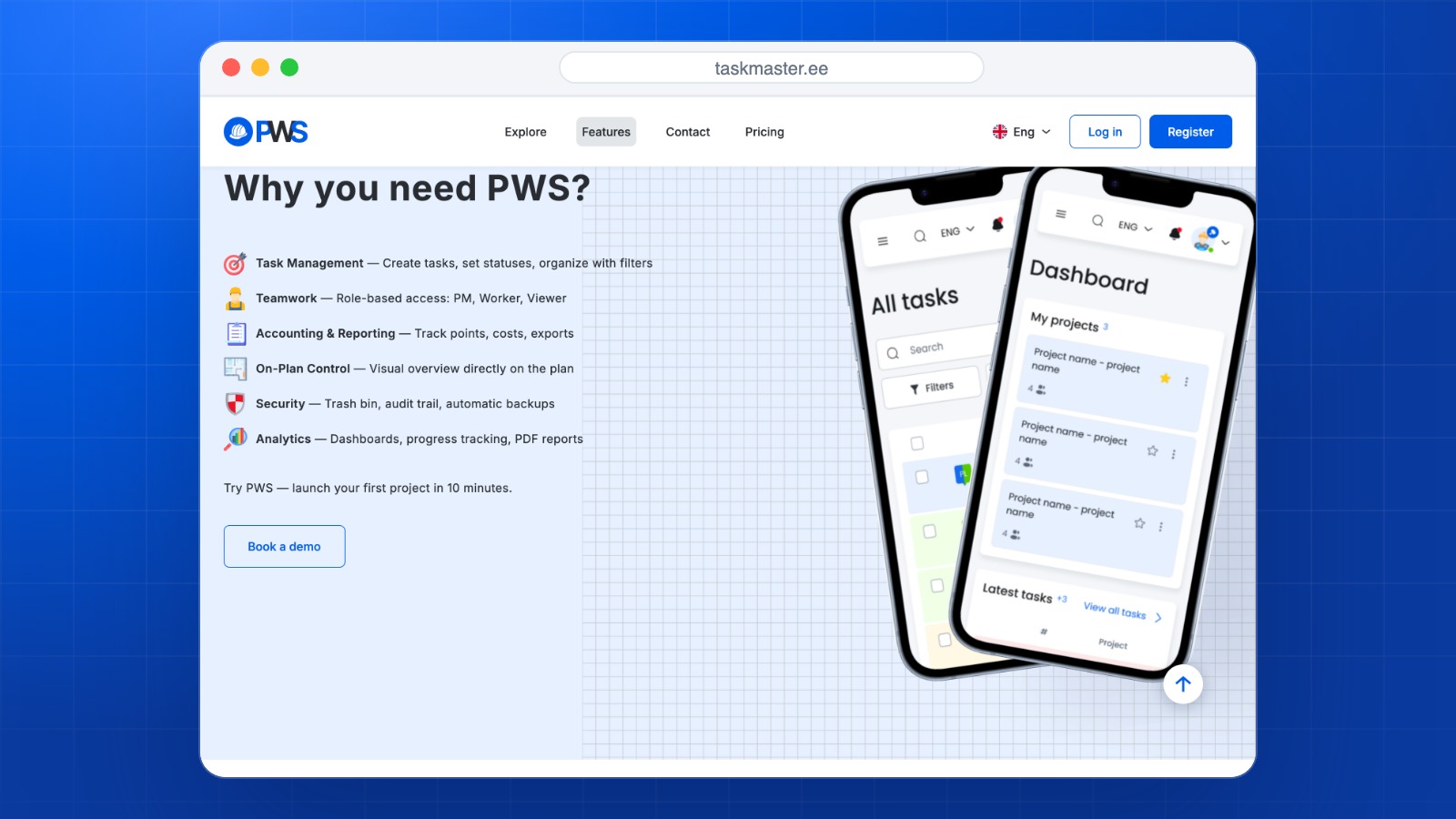
Taskmaster (PWS – Professional Work Solutions) is construction project management software that we built for the Estonian construction company NV Masters and that grew into a SaaS platform. The owner paid his workers by the hour but wanted to pay for results. Together with the client we concluded that completed work is easiest to measure in points. The result is a web application where tasks are marked directly on the construction drawing, every job has points, and the points automatically add up to the project budget and the workers’ payroll. During development everyone who saw it working on the owner’s sites wanted the same solution – so the custom software became a SaaS product.

Year
2026
Client
Taskmaster
Industry
Construction
Duration
4 months
Website
Taskmaster (PWS) – ehitusprojektide haldus

Challange

Hourly time tracking doesn't show the work done

In construction, hourly time tracking means a company pays for time on site rather than for completed work, and the real cost of a site is hard to forecast. The client needed software that shows each worker’s actual output, splits work and budget between project managers and calculates site costs per month and per week – without Excel sheets. It also had to be simple enough for a worker and the site manager to use on a phone right on site.

Taskmaster (PWS) – ehitusprojektide haldus

Solution

Points-based pay for results, tasks on the drawing and automatic payroll

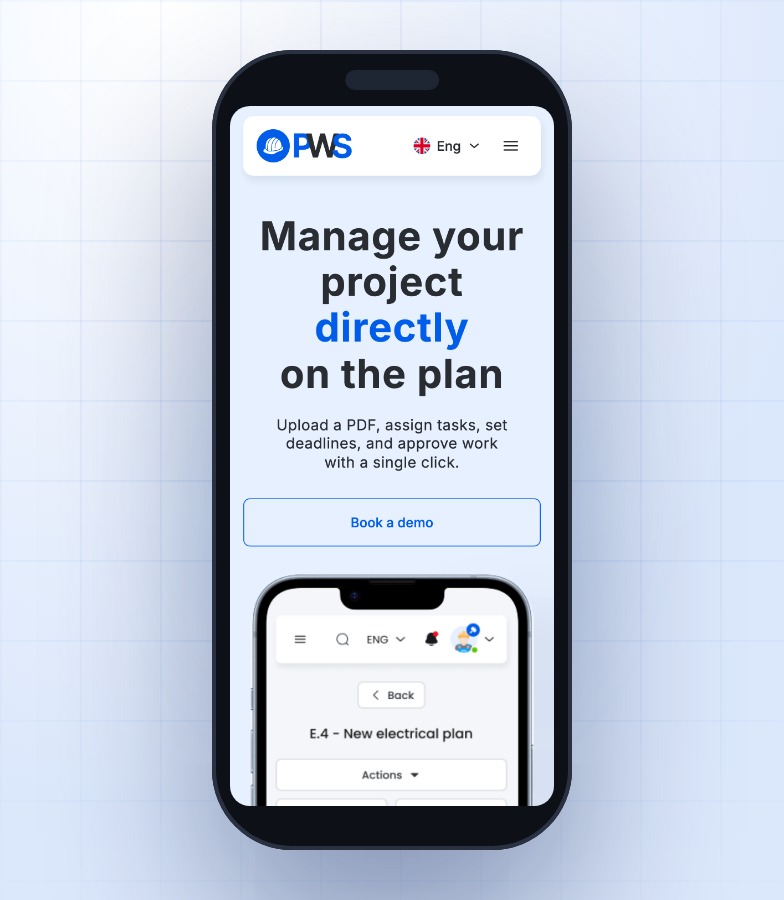
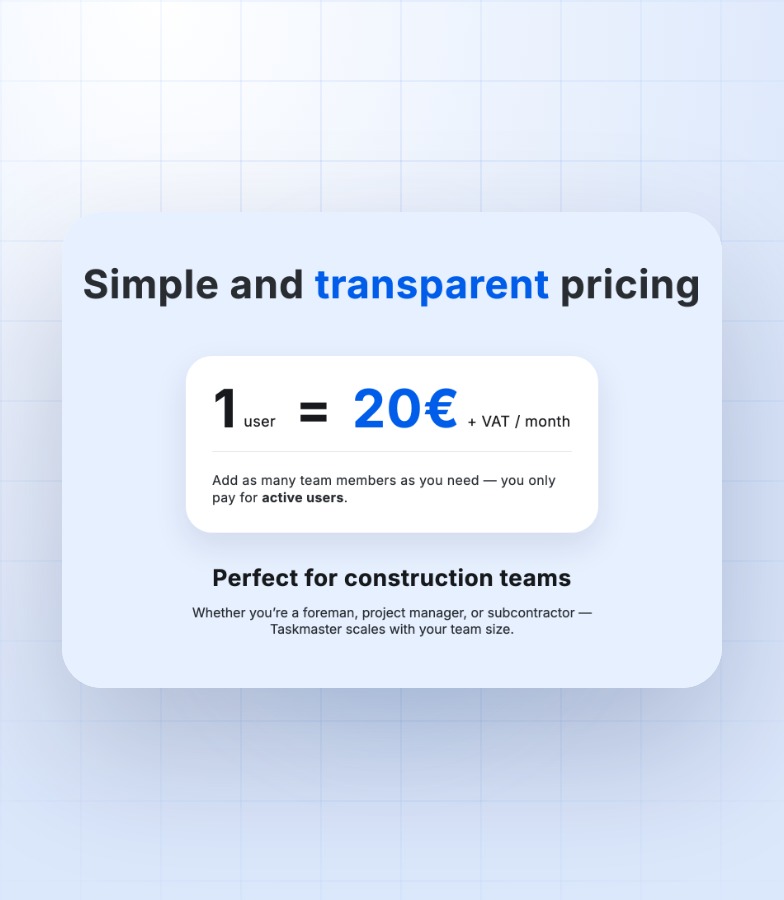
At the core of Taskmaster is a points system: every job gets points, and one point equals a time norm set by the company. The project manager uploads a PDF plan, marks tasks directly on the drawing and assigns them to workers; points and budget are split between project managers by agreed rules. When a job is done and approved, the points go to the worker’s wallet. From the points the system calculates the project budget per month and per week and the worker’s payroll sheet. It took 4 months from idea to working software, and the site managed with the system was handed over in 2026. Testing with a live team also meant solving everyday construction questions: several workers on one task, several project managers in one project, one worker on several sites, customer access to the plan and costs, and work acceptance with photos. Today Taskmaster is construction project management software any team can subscribe to for 20 € + VAT per active user per month.

Taskmaster (PWS) – ehitusprojektide haldus

Like these projects?

Contact us and we will discuss the implementation
of your project

Contact us and we will discuss the implementation of your project

Results in numbers

4months to launch
3site languages

Project data: 4 months from idea to a working solution; app and website in three languages.

Real-world challenges

Questions we solved while testing on a live site

Taskmaster was tested with a real construction team during development. These are the everyday construction questions we had to solve before the system was ready.

  1. 01

    How do you split points when two people work on one task?

    A task can be split into subtasks, each with its own assignee and points, and the task's total cost is calculated together with its subtasks.

  2. 02

    How do you assign tasks so there is enough work for everyone?

    The project manager assigns and, when needed, changes the assignee of every task, so work is spread across the team instead of one person taking all of it.

  3. 03

    How can the customer see results and costs for their project?

    The customer has their own role in the project: they open the construction plan and see progress and the current costs of their project without asking the project manager for a report.

  4. 04

    How do you add a large team with more than one project manager?

    Roles are assigned per project, so one project can have several project managers, workers, an inspector and the customer.

  5. 05

    How can one worker work on several sites at the same time?

    A worker is added to each project separately, sees jobs from all sites under "My tasks" and can filter wallet points by project.

  6. 06

    How do you account for travel time to the site and material costs?

    These costs are accounted for separately in the project budget, and extra jobs are marked with a separate "Additional work" status so they don't mix with the main scope.

  7. 07

    How is work acceptance organised?

    The worker marks a task as done and it becomes "Done (not accepted)". The inspector or project manager then accepts or rejects it; there are also "Partially completed", "Unable to perform" and "Urgent" statuses.

  8. 08

    Are photos of completed work needed?

    Yes. Both the worker and the inspector can add photos to task comments, and each photo shows who uploaded it and when.

From idea to result

How Taskmaster was built

The software development started with a business problem, not a technology: how to replace hourly pay in construction with pay for results. The solution took shape step by step together with the client and grew from one company's tool into a SaaS product.

1. The idea: pay for results

The problem
Hourly pay doesn't show how much work was actually done, and the cost of a site is hard to calculate in advance.
A point as the unit of work
Every job is valued in points, and one point equals a time norm set by the company itself.
Pay for completed work
Workers earn points only for jobs that are done and approved.

2. Plans and tasks

PDF plans and folders
The project manager uploads construction drawings or a folder structure and opens them in the plan editor.
Tasks directly on the drawing
A click on the plan creates a task with a deadline, status, tags, comments and files.
Task templates
Recurring jobs are saved as templates with their points, so a new site is set up quickly.

3. Team and project managers

Roles: PM, Worker and Viewer
Everyone sees only what their work needs.
Splitting work between project managers
Points and budget are divided between project managers by agreed rules.
Invitations and notifications
New workers join by email invitation and get notified about changes.

4. Budget and payroll

Budget per month and per week
The project budget for every month and week is calculated from points.
Wallet and payroll sheet
Points for approved jobs collect in the worker's wallet and form the payroll sheet.
Statistics and reports
Dashboards, progress, costs, exports and PDF reports.

5. From one company's tool to SaaS

The startup idea
Everyone who saw the software working on the owner's sites wanted the same solution.
Subscriptions and invoices
Per-user subscription of 20 € + VAT per active user per month, with invoices inside the system.
Three languages
The app and the taskmaster.ee website are in English, Estonian and Russian.
Security
Trash bin, audit trail and automatic backups.

Technologies used: Next.js 15 · React 19 · TypeScript · Tailwind CSS · Material UI · GraphQL · Apollo Client · next-intl · PDF.js · pdf-lib · Recharts · PM2 · WordPress · Elementor · WPML · Yoast SEO

Frequently asked questions about Taskmaster

What software suits work and time tracking in a construction company?

If you pay for completed work, a points-based project management tool like Taskmaster fits: tasks sit on the construction drawing, the site manager approves the work, and points become the budget and payroll. For hourly time tracking a regular work schedule is enough.

How does the Taskmaster points system work?

Every job gets points, and one point equals a set amount of working time. When a job is done and the project manager approves it, the points go to the worker's wallet and are used for the payroll sheet and the project budget.

How long did it take to build Taskmaster?

It took 4 months from idea to a working solution. The site managed with the system was handed over in 2026.

How does Taskmaster split points when two people do one task?

The task is split into subtasks, each with its own assignee and points, so every worker earns points for exactly their part of the work.

Can the customer see their project costs in Taskmaster?

Yes. The customer has a separate role in the project that shows the construction plan, progress and the current costs of their project.

How does work acceptance work in Taskmaster?

The worker marks the job as done and adds photos if needed. The inspector or project manager accepts or rejects it, and only points for accepted work go to the worker's wallet.

How did one company's software become SaaS?

During development other builders saw the software in action and wanted the same functionality, so we turned it into a multi-company SaaS platform with subscriptions, invoices and three languages.

Can we order a similar system for our company?

Yes. We build custom software, time and performance tracking systems and ERP solutions, and we always start by going through your business process.